

My Apps – WordPress plugin – Run and manage your online apps
“My Apps” is a very useful tool that allows you to install and run your online web applications on your website, Developed by Ramy Ibrahim .
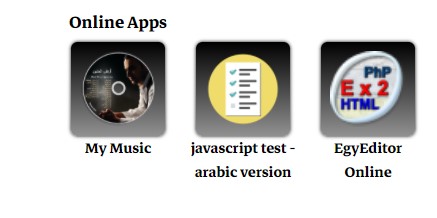
Here is the example, Just click on the app button, and “My Apps” will do the rest!
These icons are shown up by “My Apps” plugin, in the dashboard, I have full control to add or remove apps.
If you would like to use it on your WordPress site for free, just download the last update.
Download MyApps 1.0 - wordpress plugin (25049 downloads )
If you are a developer or one of my students here is the link on GitHub
Next, I’ll give you the basics steps to run and manage your web applications through “MyApps” plugin on your WordPress site.
what’s new?
– Install your web application and run it on your website online.
– Manage your applications in “Apps List” section.
– Check how many times your applications have been run.
– Change the layout of the Apps buttons by simple way.
Quickstart
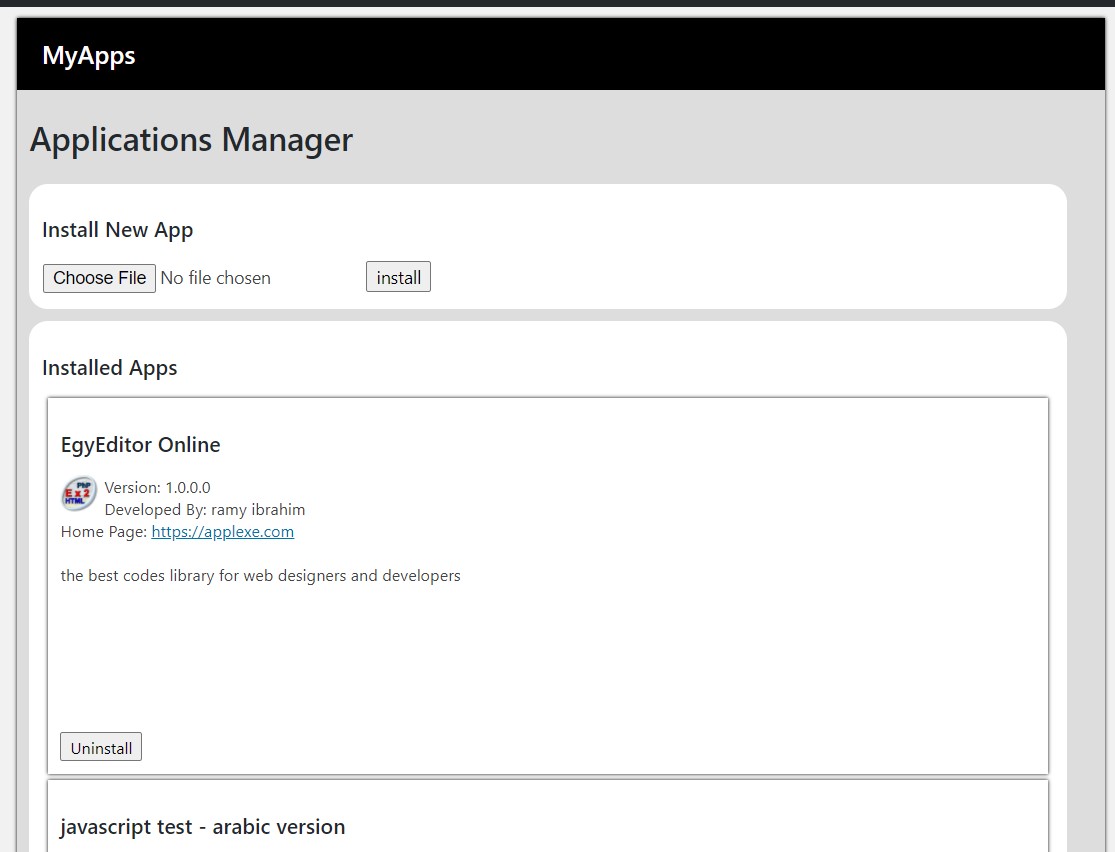
Simply, in the section you will see “Apps List”, you can then install or uninstall your applications in just a few clicks.
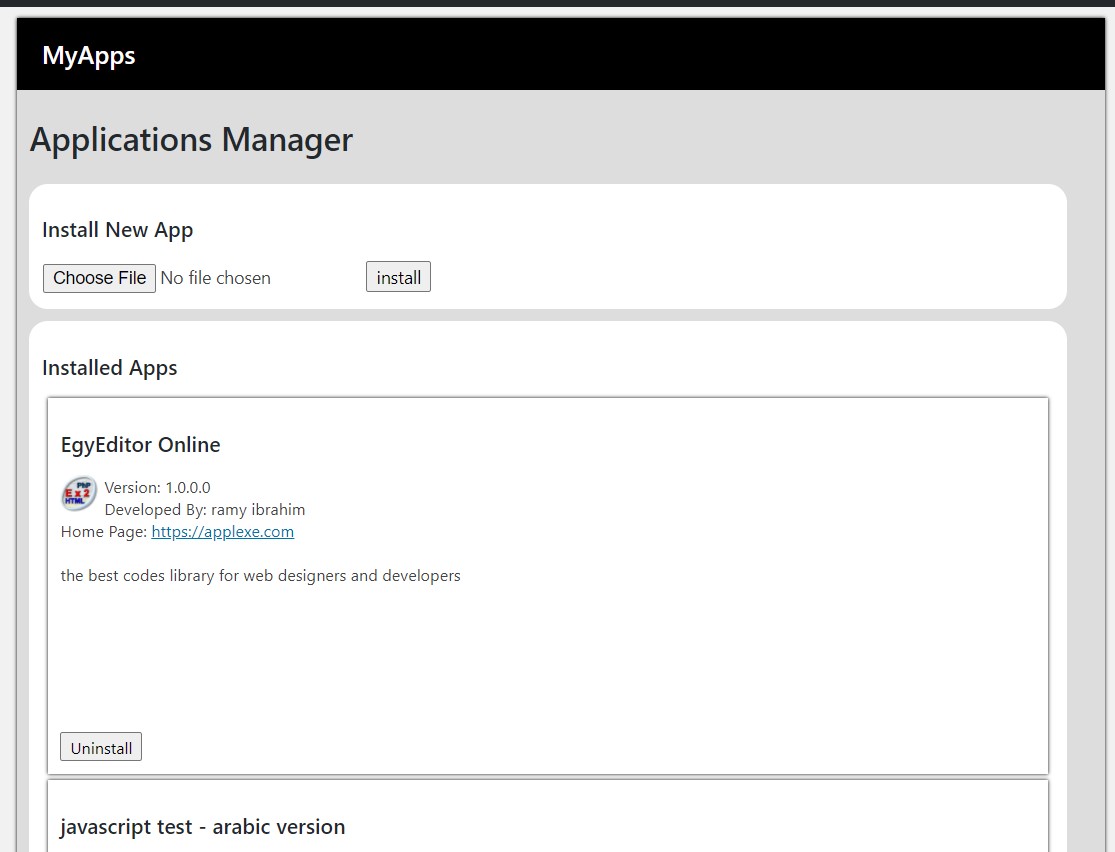
Add the shortcode [ my_online_apps ] on any page or in the theme template to display the buttons for the installed applications.
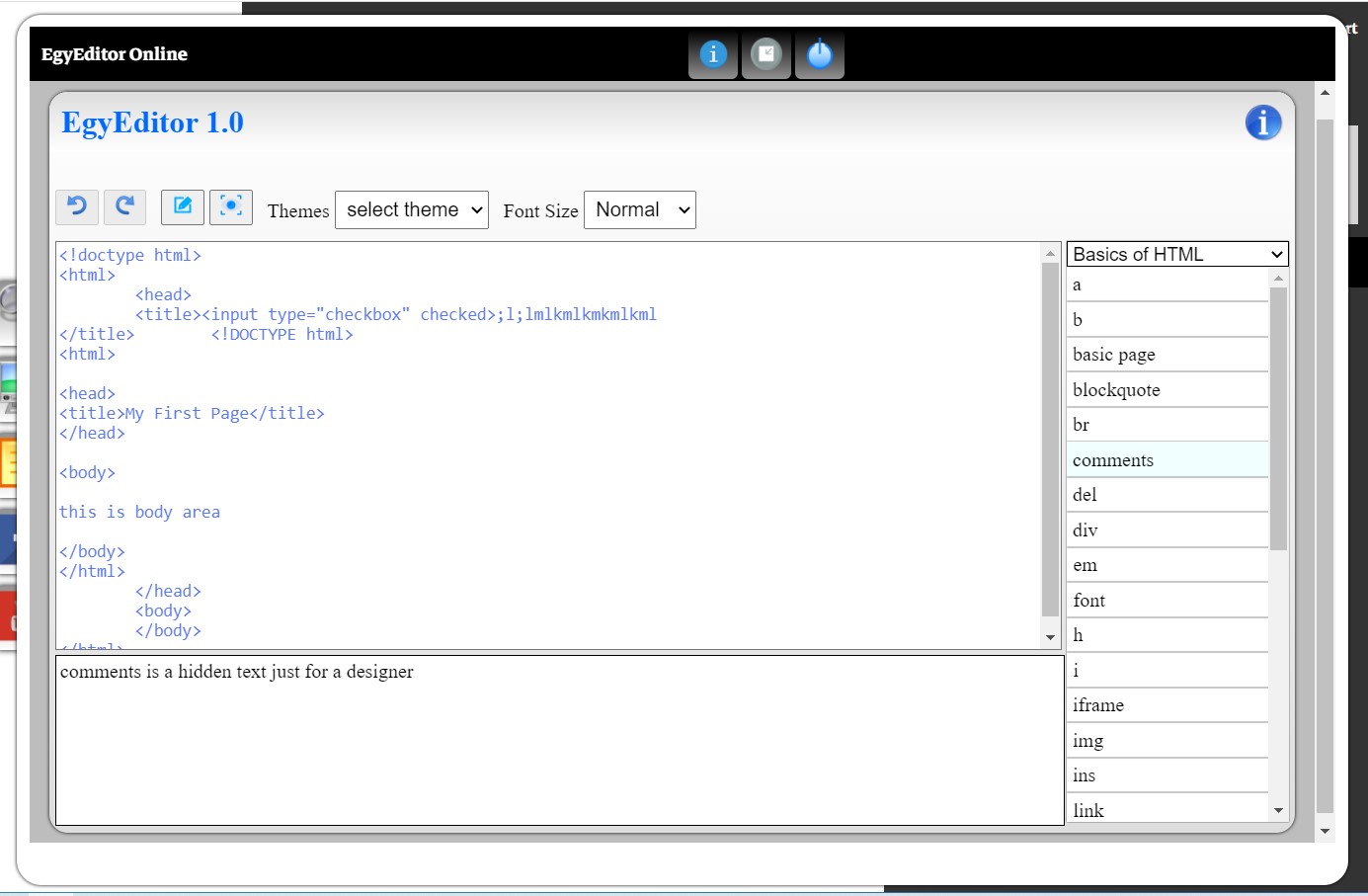
By pressing on the application button you will see it running on the window on your site.
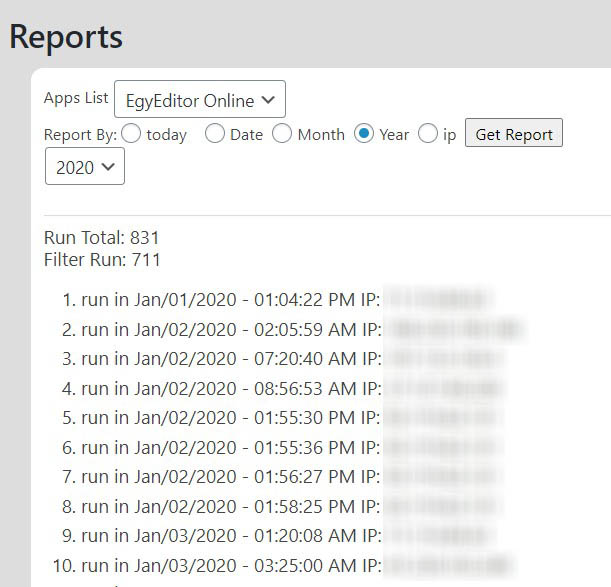
In the section “Reports” you can see the short analysis about how many times your application has been run. Including the date and time and the IP number of the user, with the ability to choose a specific date, month, or year.
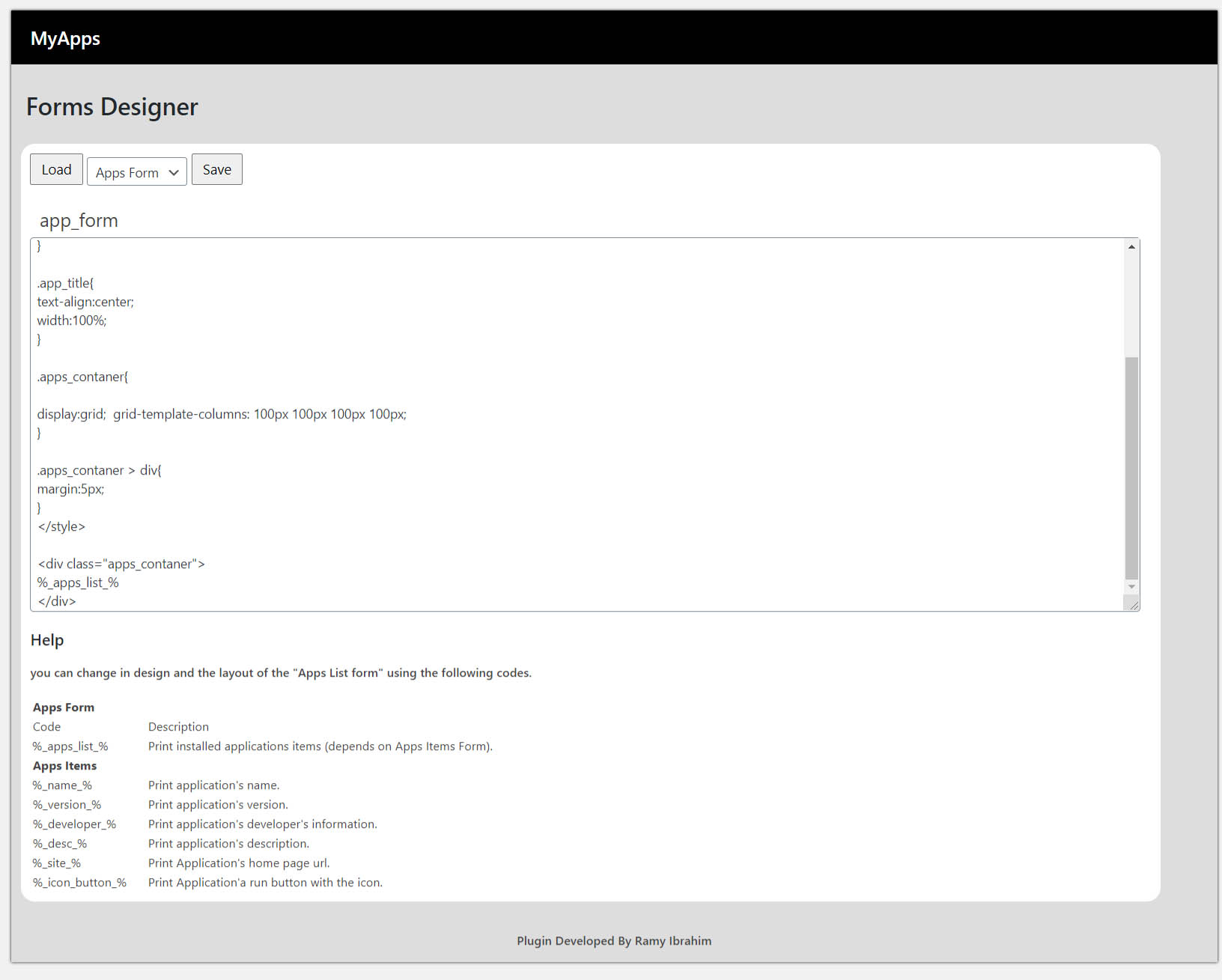
You can change a layout of the buttons through “Forms Design” section using a blocks code.
Application Configuration
You must configure your application to install and run through “MyApps” by adding a configuration code in the index.php file for your application.
The configuration code:
‹?php
/*
%_app_name: application name _%
%_app_version: 1.0.0.0 _%
%_app_desc: the description _%
%_app_developer: developer name _%
%_app_site: https://exmaple.com _%
%_app_icon: example.icon _%
%_app_home: example.html _%
*/
?›
Make sure to comprise the main folder of the application in one “zip” file.